Klebby
A visual sticky-note board that stays simple.
Klebby gives scattered thoughts visible structure without asking you to build a heavy productivity system first.
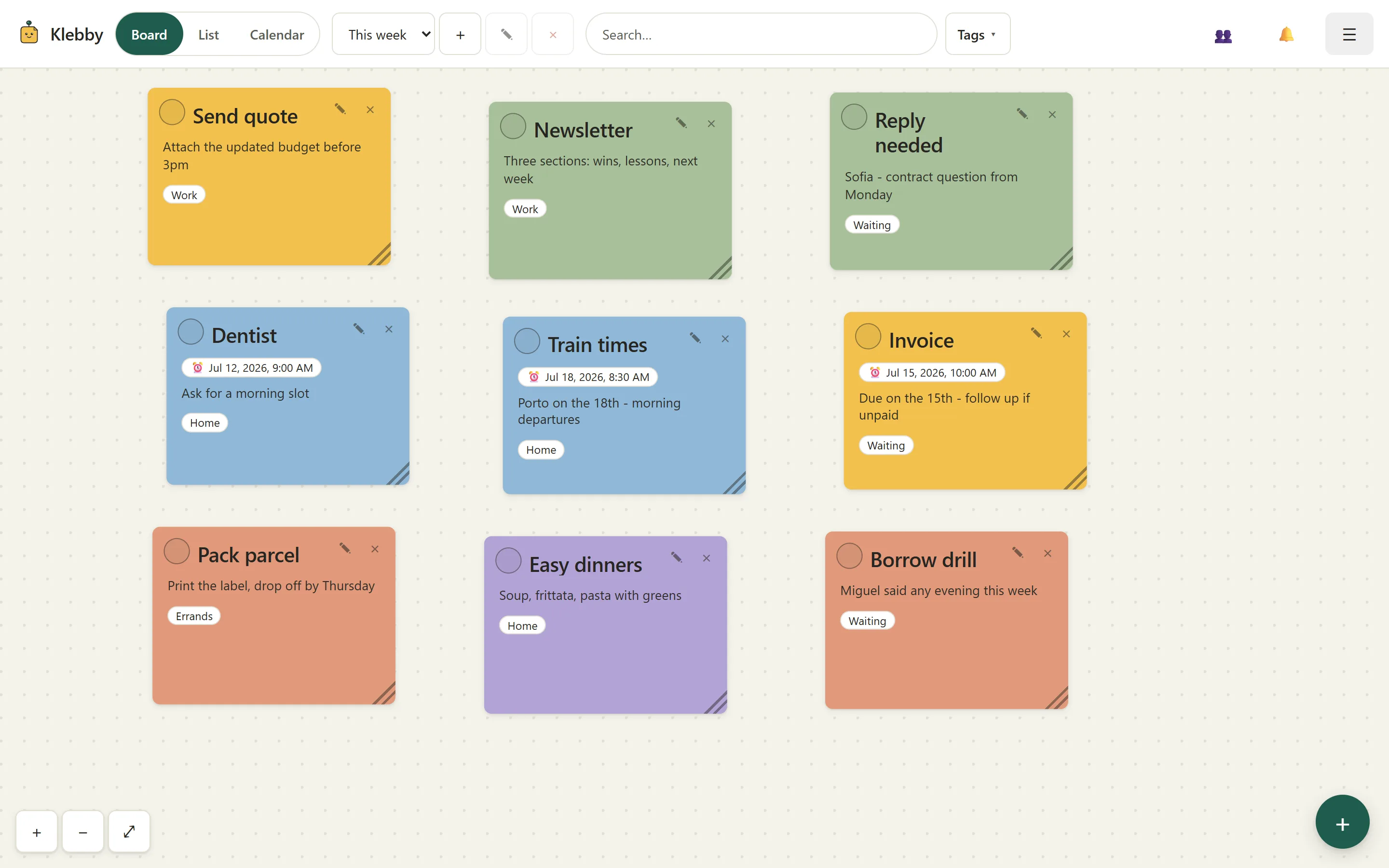
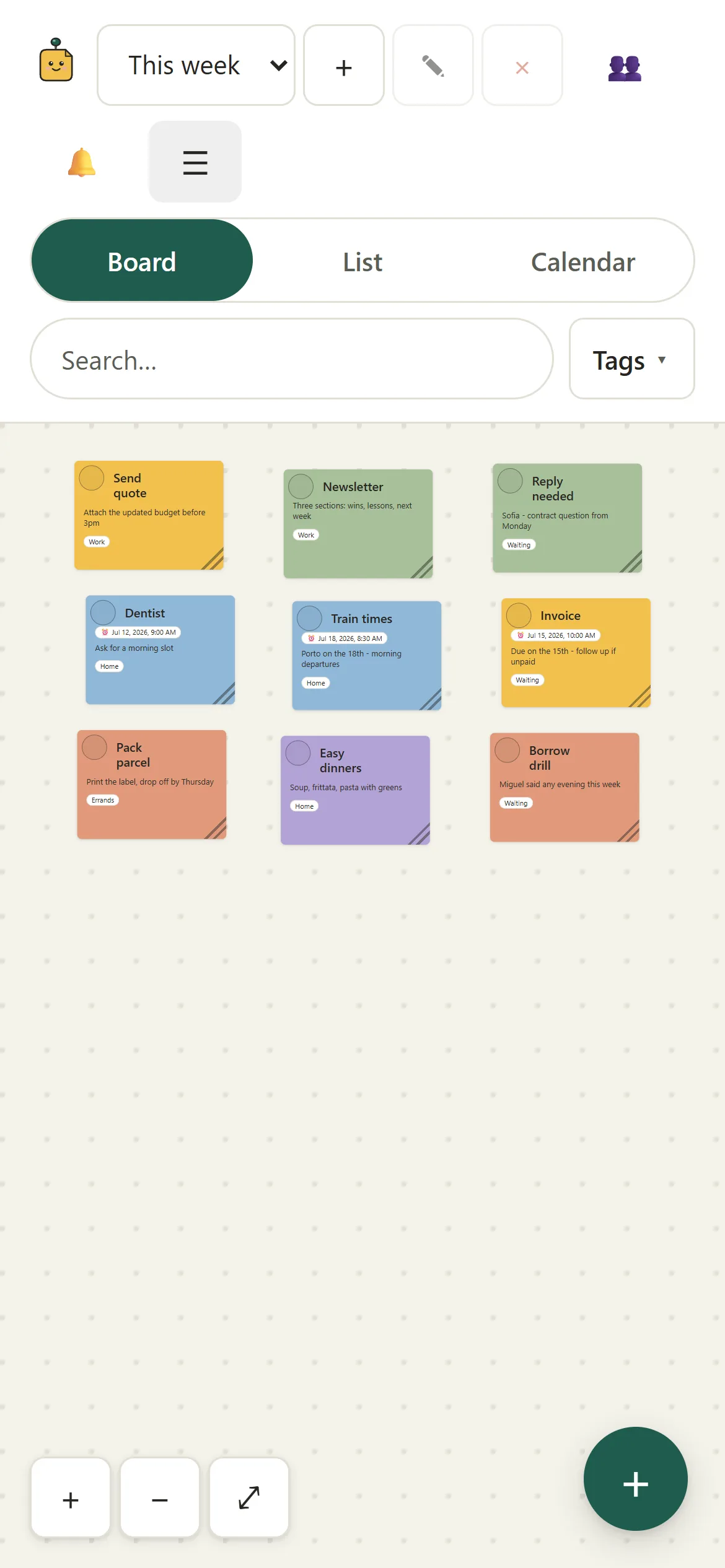
Freeform board
Arrange notes with space, not only priority fields.
Drag notes anywhere, resize them, and keep a personal layout for each board. Keyboard move mode gives every draggable note an accessible alternative.
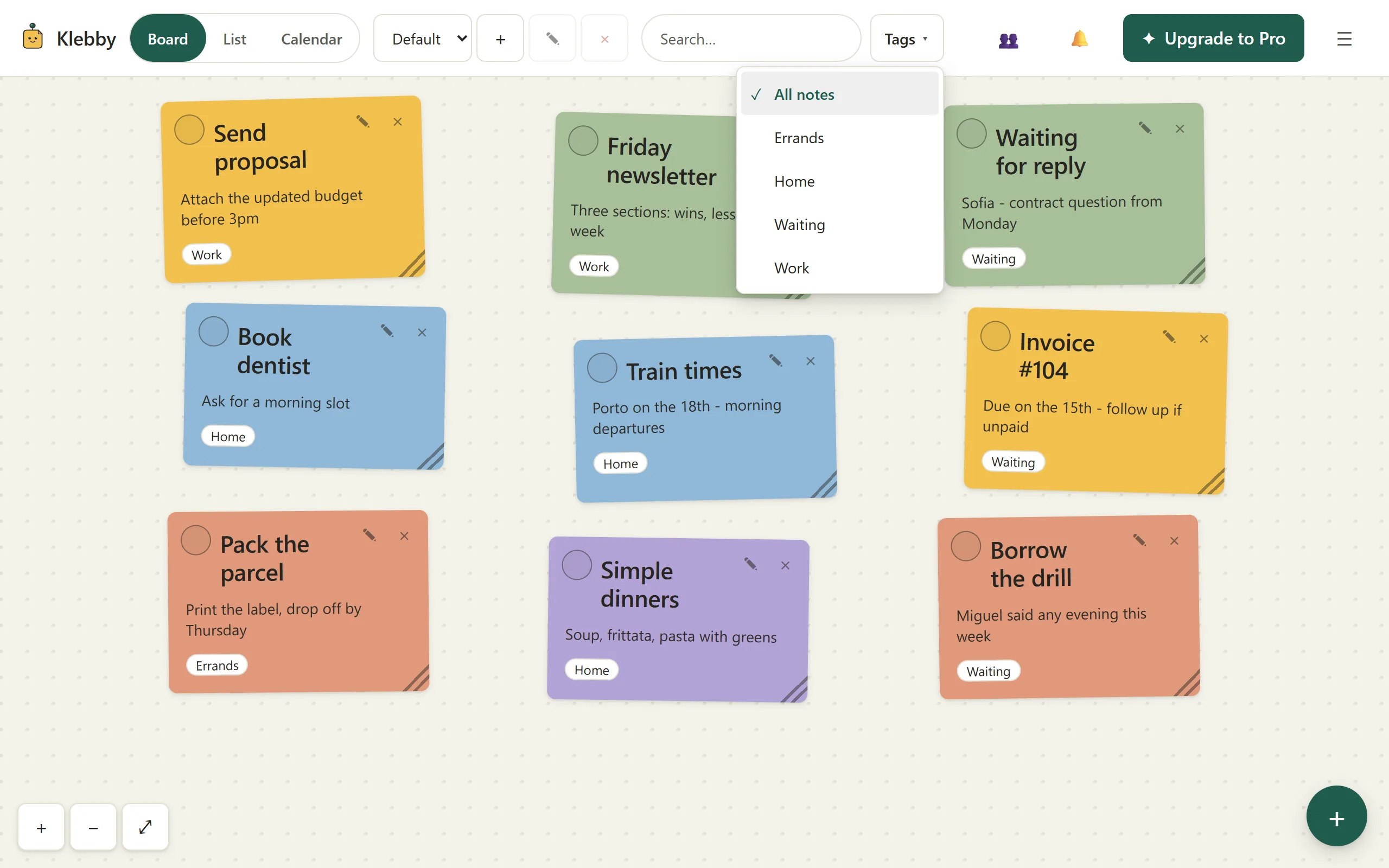
Tags and search
Narrow the board without rebuilding it.
Tag notes by context, filter to one working set, and search titles, bodies, and tag names. Switch to the compact list whenever density matters more than space.
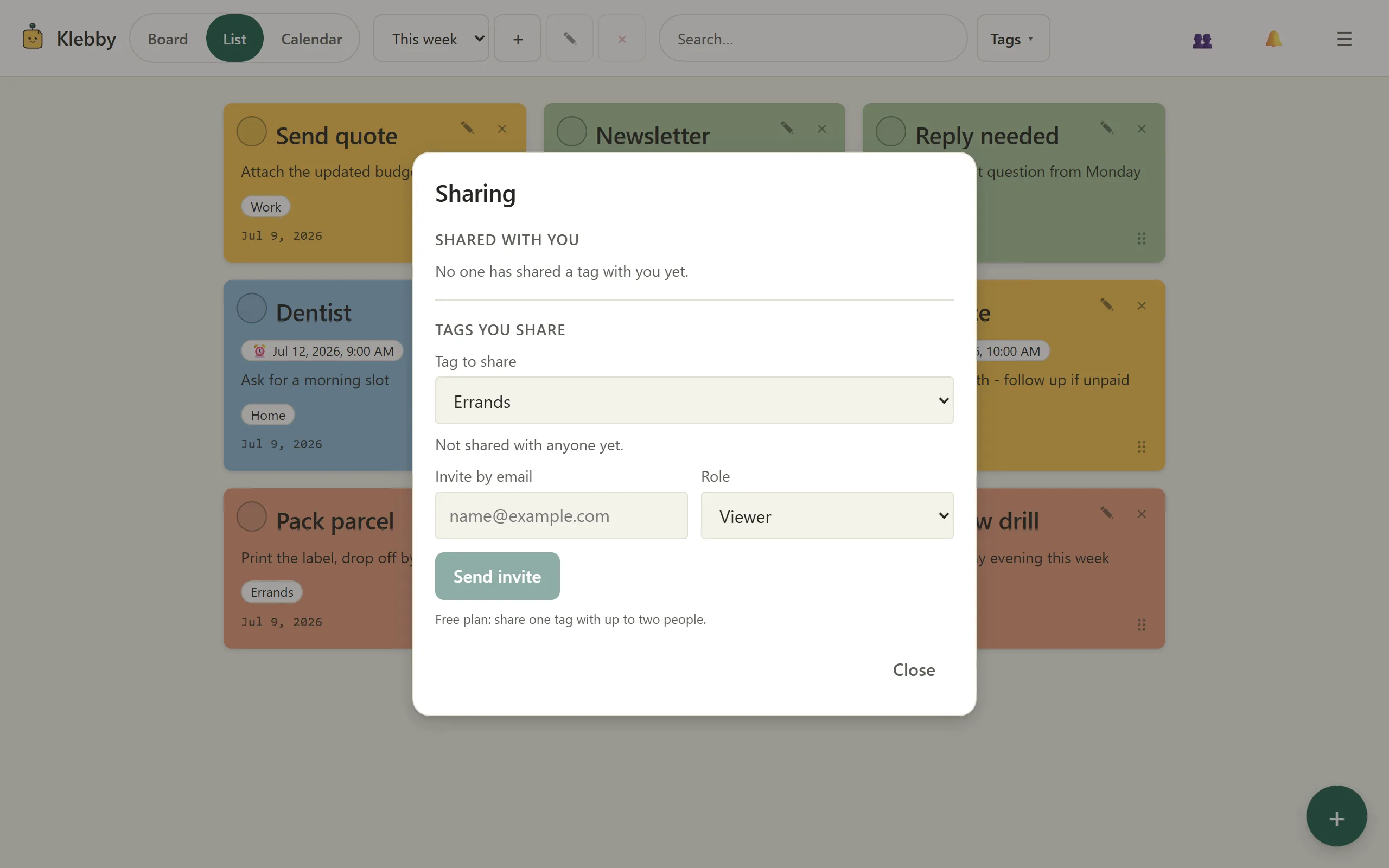
Tag-level sharing
Let someone into one context, not everything.
Share one tag with viewers or editors. Comments stay attached to their note, collaborators remain free, and private notes stay outside the shared slice.
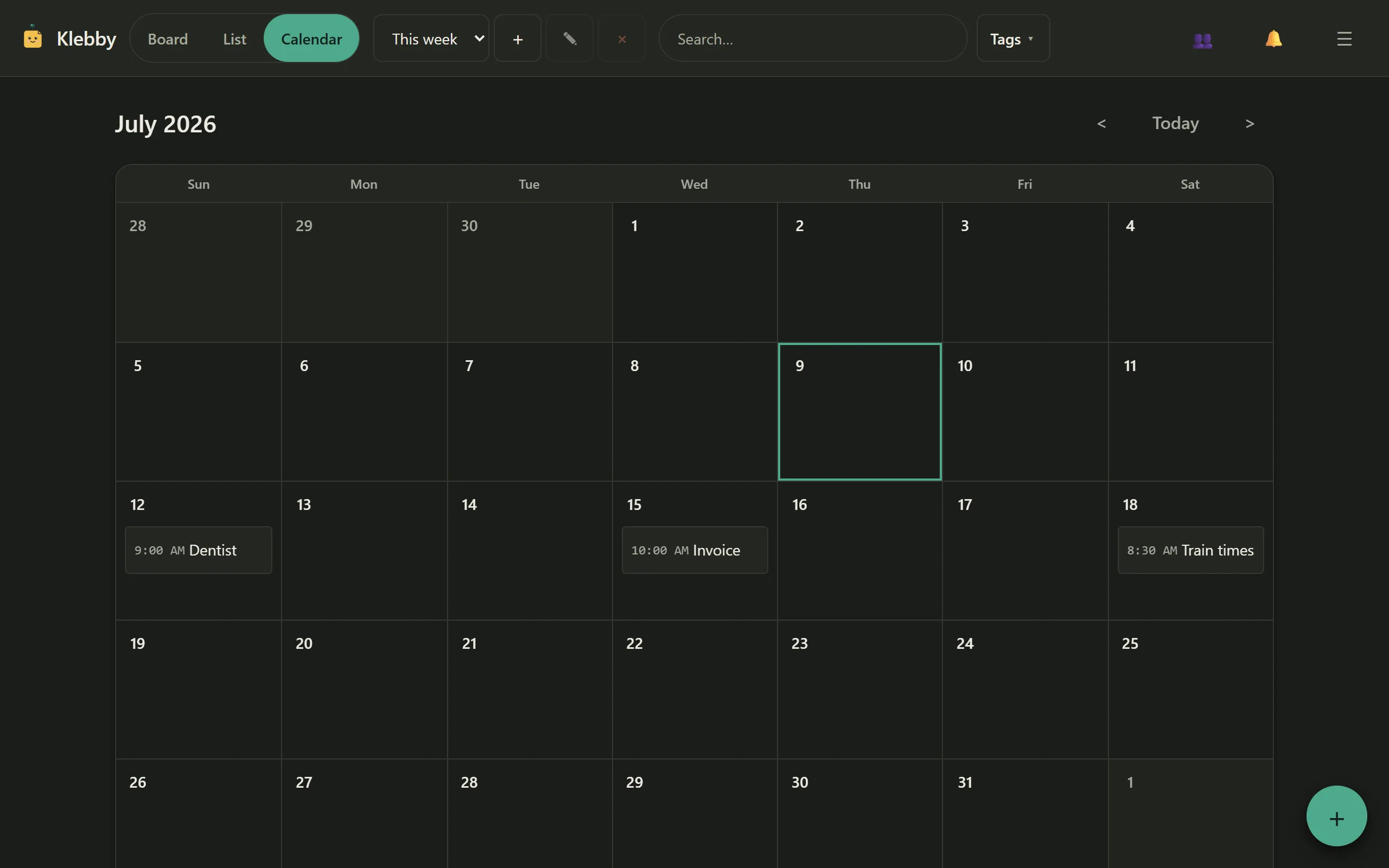
Reminders and calendar
See time-sensitive notes without leaving the board behind.
Use one-time reminders on Free, or recurring reminders and calendar view on Pro. Every reminder stays attached to the note that explains it.
Offline and private
Capture first. Sync when the connection returns.
Klebby keeps a local cache, queues note changes offline, supports light and dark modes, and includes JSON and CSV export plus account deletion controls.
Start with the board. Add structure only when it helps.
The Free plan is useful on its own, and the 14-day Pro trial needs no card.